 My Auto Poster
How it works
From a website URL to published content in an afternoon
Four steps from a website URL to published content: build the brand profile, plan the month, review the drafts, publish everywhere on schedule.
- 01
Point it at the business
Drop in the website URL or a brand voice document. The brand profile fills itself in with services, service areas, tone and proof points, and pulls the logo and colours while it is there.
- 02
Plan the month
The planner suggests topics from real services and seasons. Keep the good ones, bin the rest, and turn the keepers into drafts in one go.
- 03
Review, do not write
Autopilot drafts land in a review queue with photos attached and per-channel variants written. Approve, edit inline or send it back.
- 04
Publish on schedule
Approved content goes out to the website, Google Business Profile, Facebook and Instagram at the scheduled time, with automatic retries if a network hiccups.
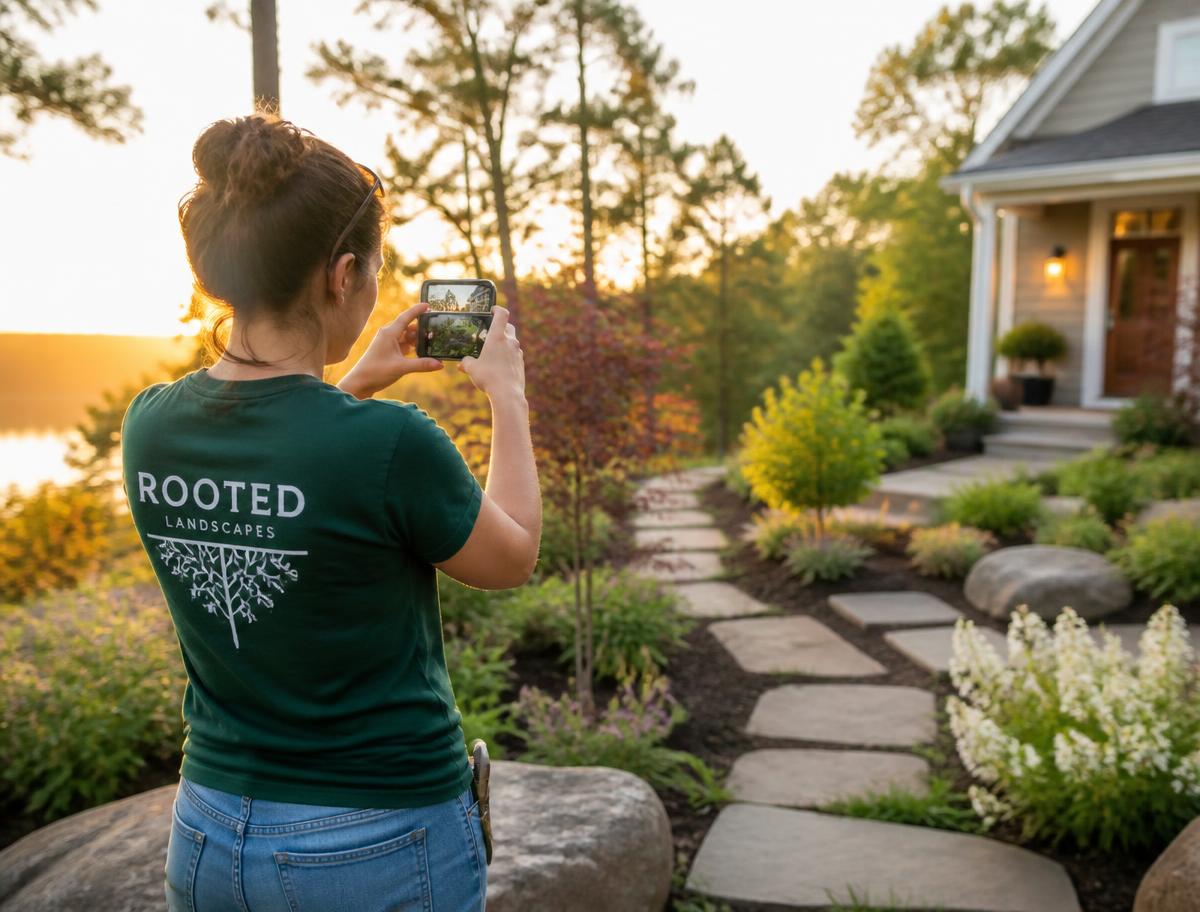
Your photos do the heavy lifting
Connect a Google Drive or Dropbox folder once. Every job photo is imported with its full folder path, tagged by service and location, and paired up as before and after where it makes sense, so the right image is already attached when a draft appears.

Run one brand or twenty
Every client gets its own project, brand profile, media library and calendar inside a shared workspace, with roles so the right people see the right brands.
Get started